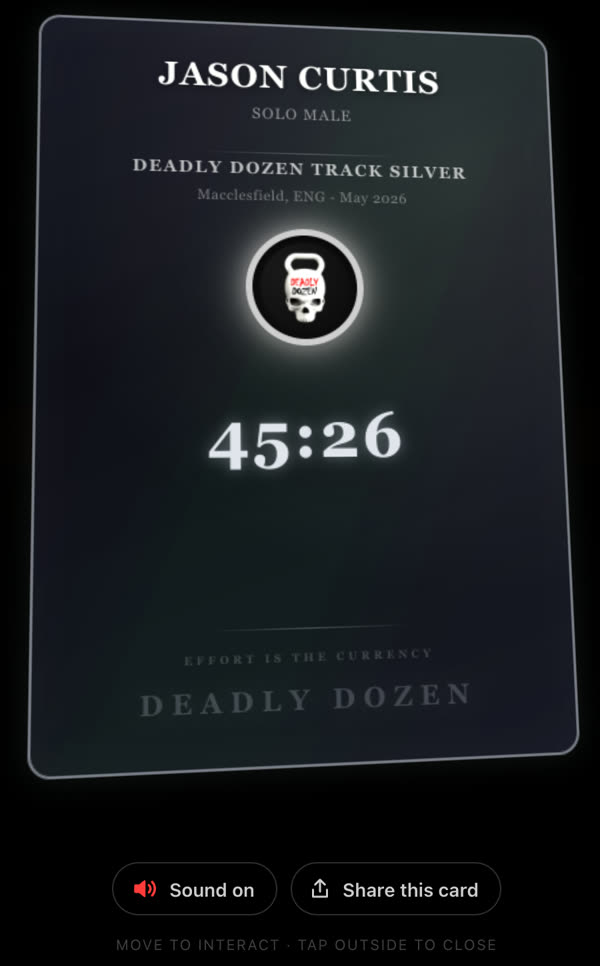
Stats cards, certificates and badges
Share
your race
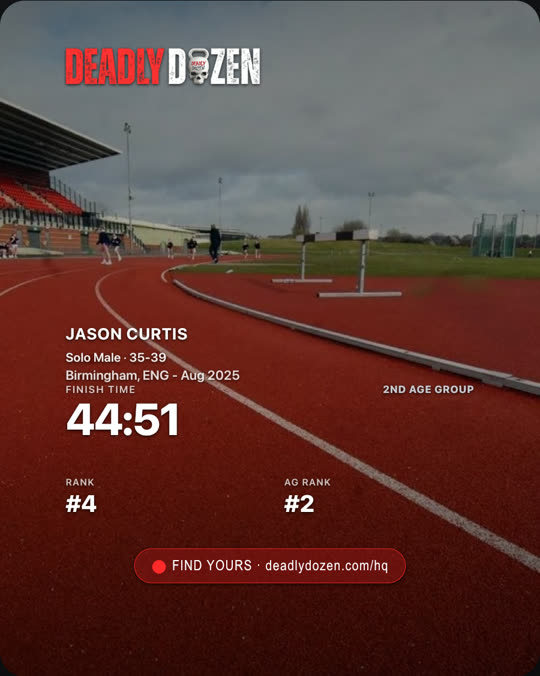
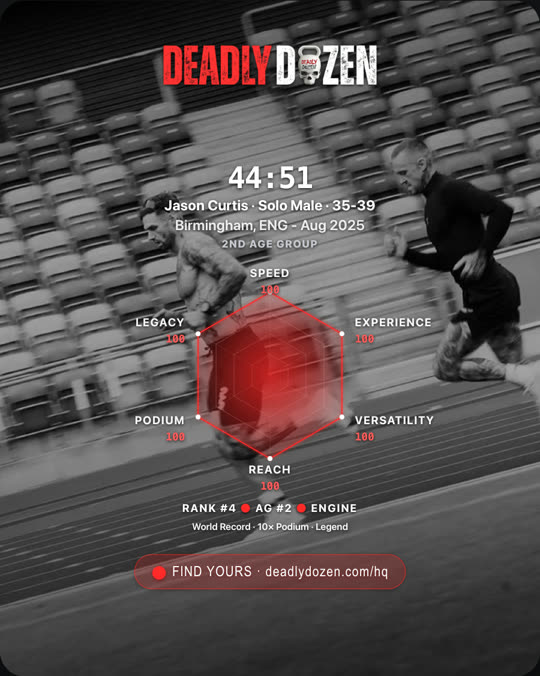
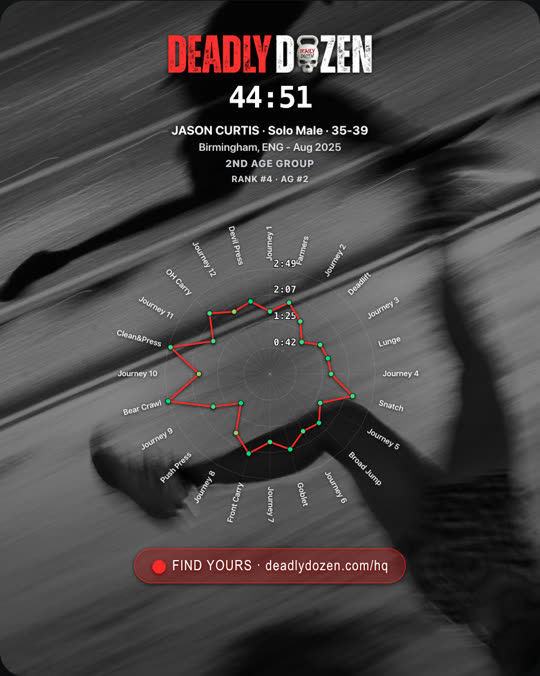
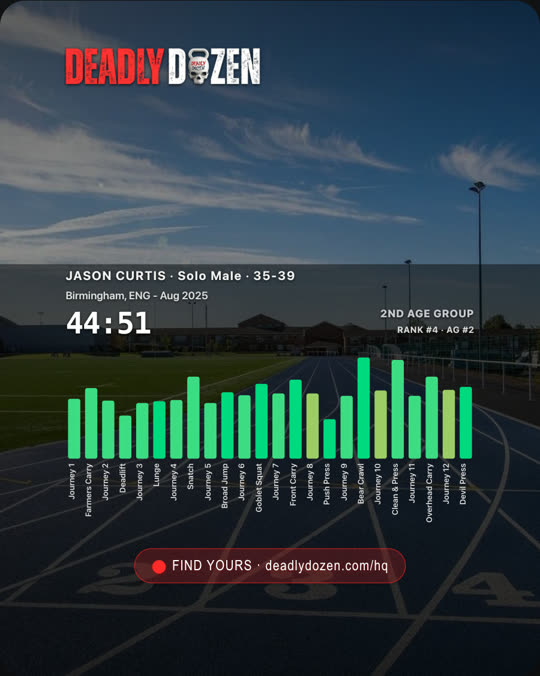
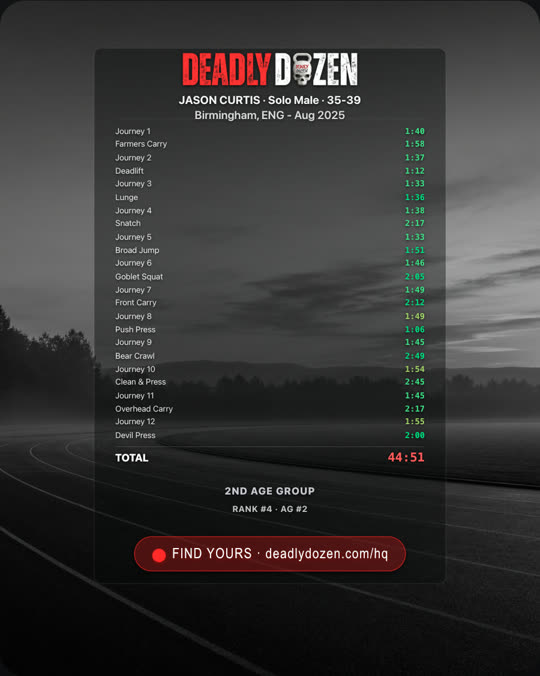
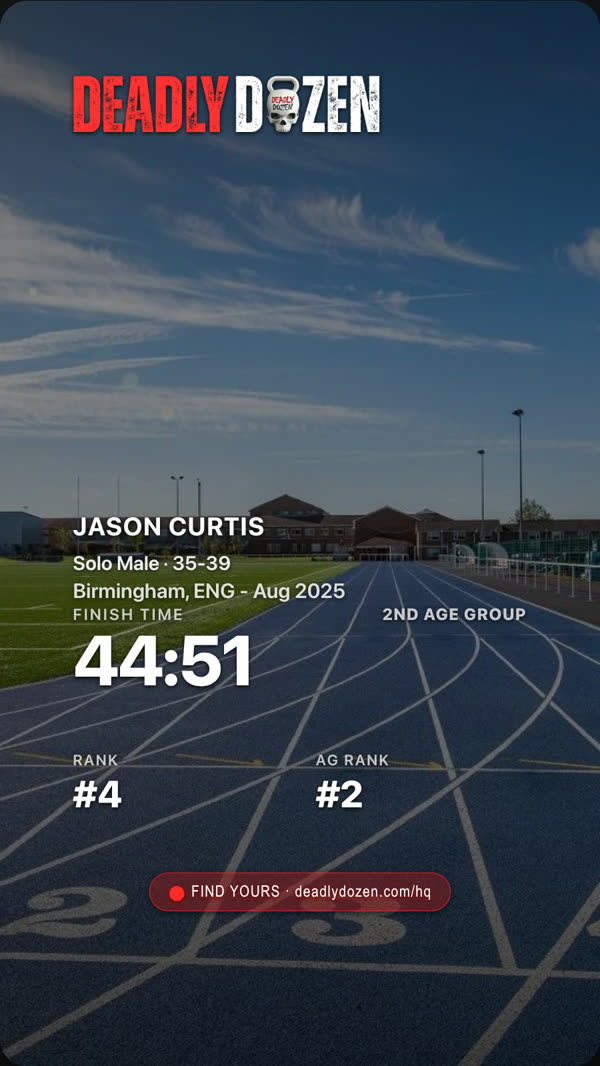
Put your race on your feed. Make a stats card with your own photo, get your official race certificate and collect your badges - everything in the Share column on the leaderboard.

THE SHARE COLUMN
Four buttons
beside your result
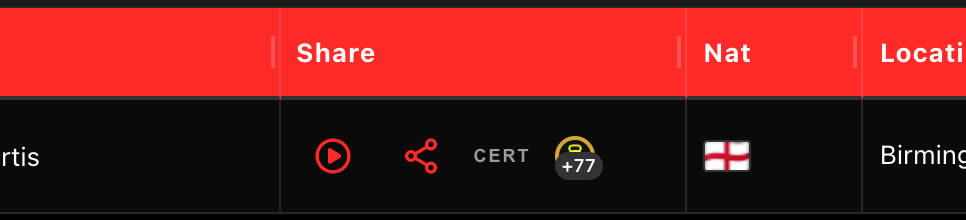
Open the leaderboard, search your name and find your result. On the right of your row is the Share column, with four buttons, left to right:

01 - STATS CARD
Your race,
on your photo
- 01
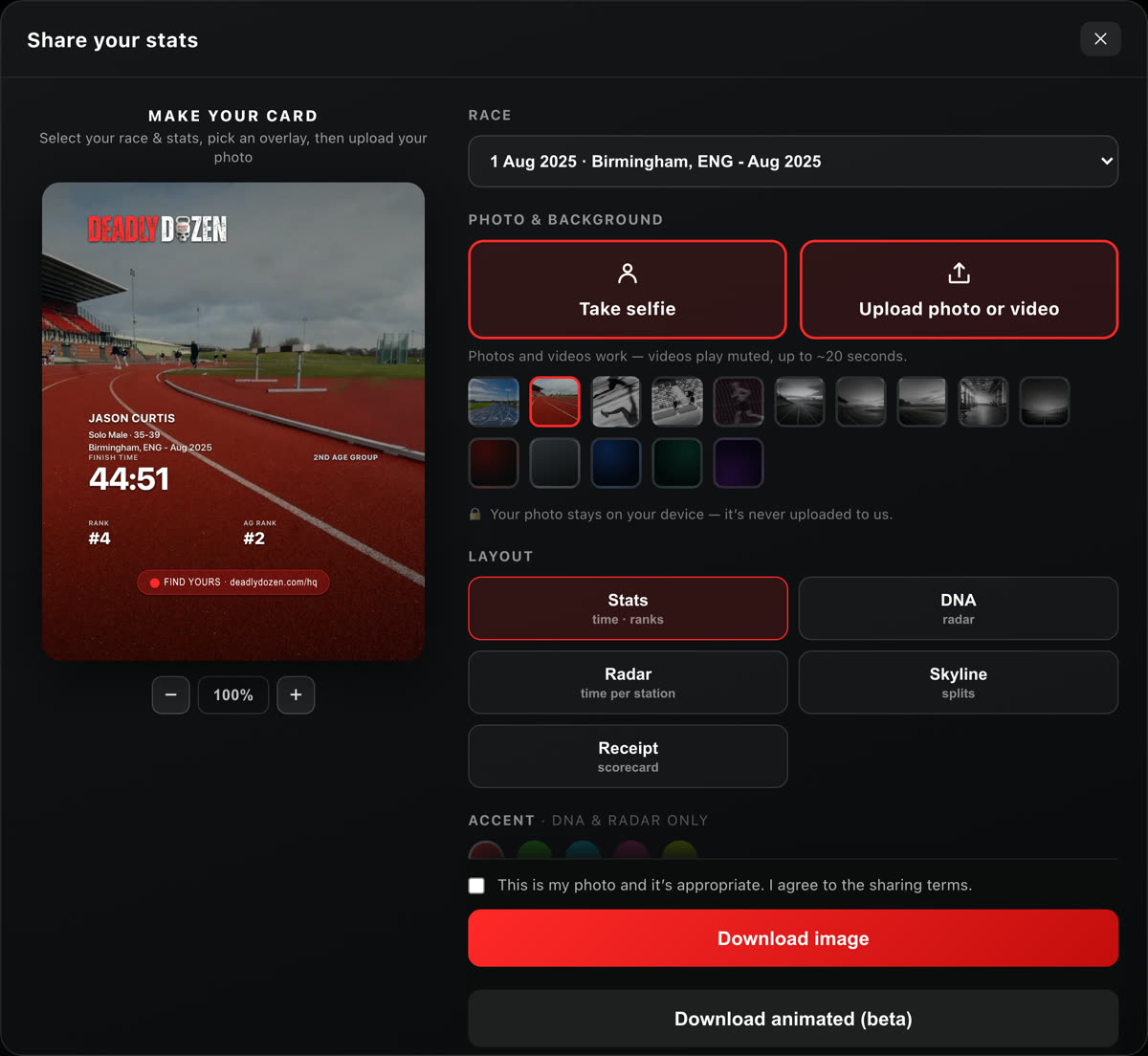
Press the share icon in the Share column. Share your stats opens with that race chosen; pick another under Race.
- 02
Take selfie or Upload photo or video (videos play muted, up to about 20 seconds), then zoom and drag it to fit. No photo to hand? Tap one of the backgrounds. Your photo stays on your device - it is never uploaded.
- 03
Under Badges, tap one to put it on your card as a sticker - the one marked suggested is your proudest from that race. Drag it into place; tap it again to take it off.
- 04
Pick a Layout and a shape: Feed 4:5, Story 9:16 or Square 1:1.
- 05
Tick the box to say it is your photo, then Download image - or Download animated (beta). Copy caption gives you a caption with your time, ready to paste.


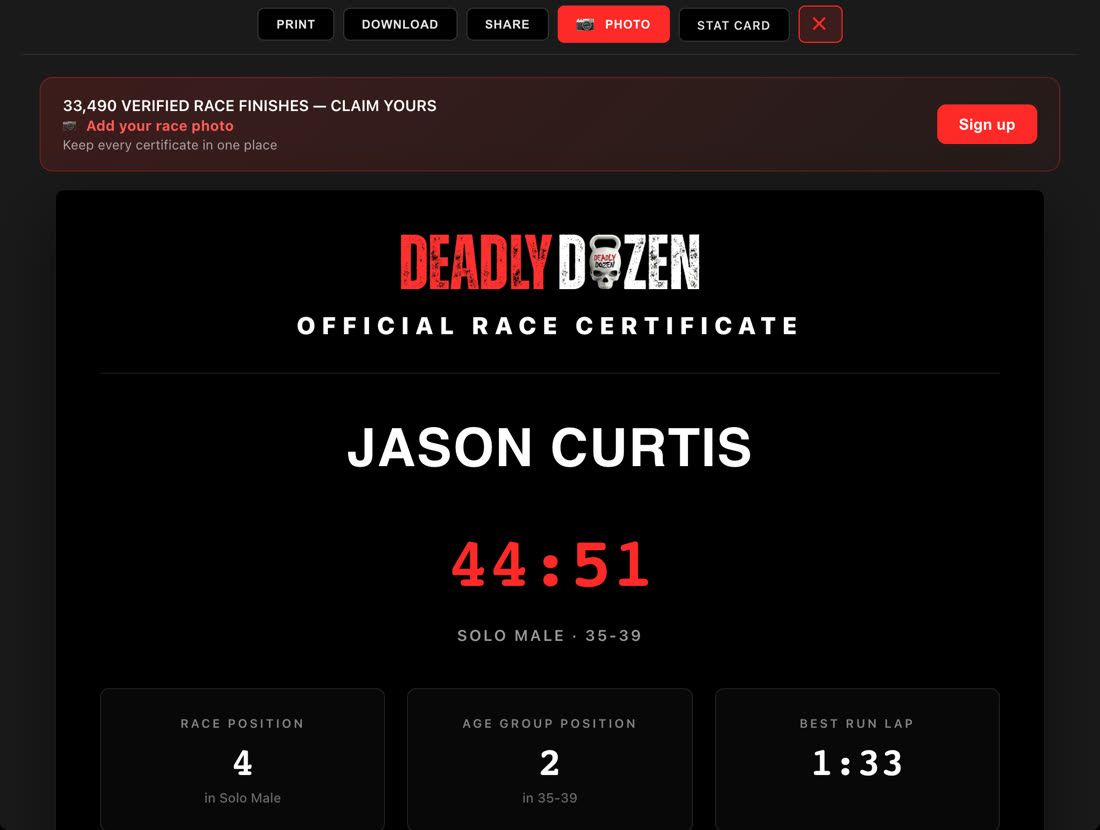
02 - RACE CERTIFICATE
Your official
certificate
- 01
Press the Mori kettlebell in the Share column (it flips to the word CERT).
- 02
Print it, or Download it as a PDF Document - or as an image for an Instagram Post, an Instagram Story or Facebook, LinkedIn and X, on a black, white or black-on-white background.
- 03
Share sends it straight to Instagram, Facebook, X (Twitter) or LinkedIn.
- 04
Photo adds your own race photo to the certificate. That needs a free account: press Sign up.

EVERY FINISHER
Every finish is
worth sharing
First race or fiftieth, every finisher gets a stats card, a certificate and their badges.


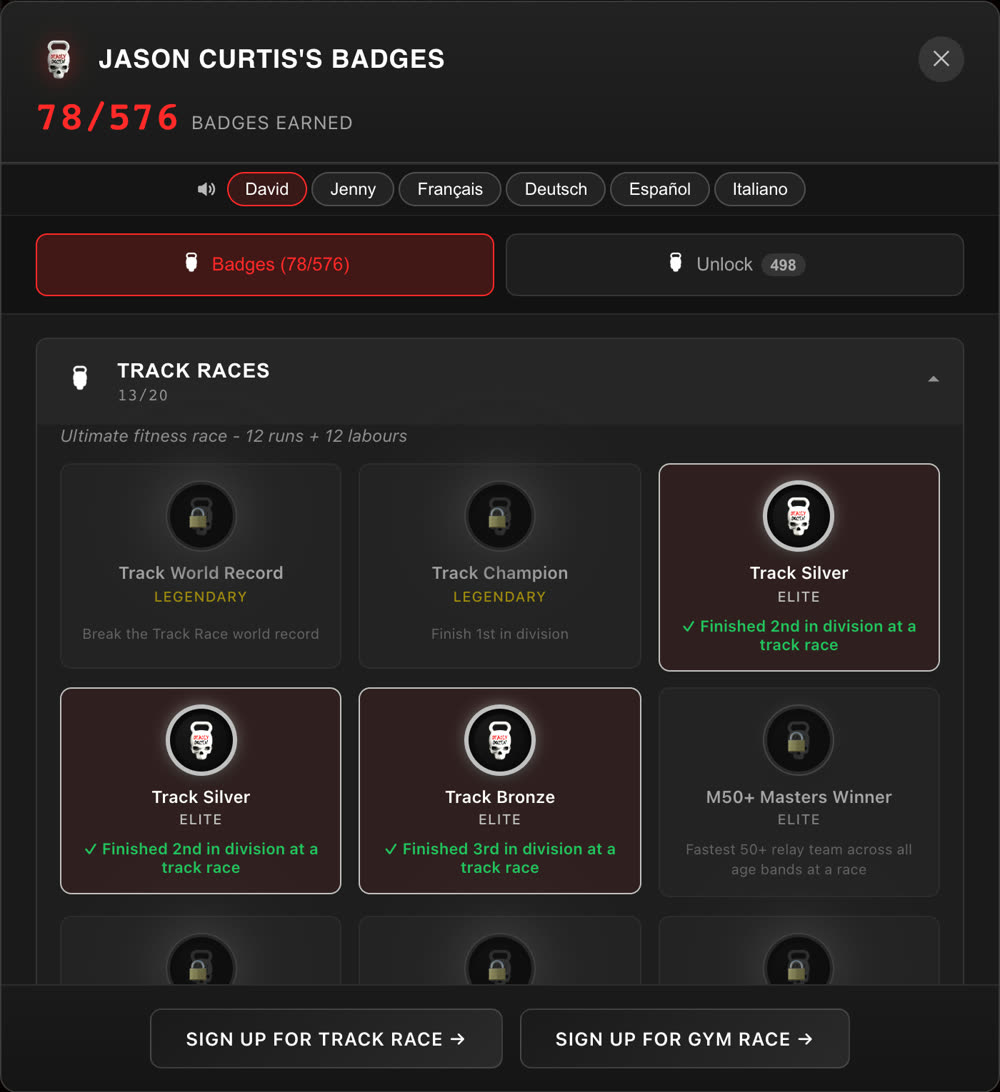
03 - BADGES
Your badges
and badge cards
- 01
Press the gold badge in the Share column. Your Official Badge Record opens: every badge you have earned, with your races and countries.
- 02
At the top is the one to be proud of - your best badge. Tap it to flip it, then press View your card.
- 03
Your card moves as you move over it. Pick a Voice to hear it read out, then press Share this card: with sound or without (an 8 second loop), as a Story, Portrait or Square.


THE PLAY BUTTON
Watch your race
again
The play button in the Share column replays your race lap by lap on the real splits. Race anyone, then save the video in any shape.
How Race Replay worksYOUR NEXT MOVE
Not raced yet?
Every finisher gets a stats card, a certificate and their badges. Find your first race.